
From Shoebox to Smartphone: Top Apps for Expense Report Receipts
Still Drowning in Paper Receipts? There’s a Better Way
The best app for expense report receipts in 2026 depends on your situation — here are the top categories of tools available:
| Category | Best For | Starting Price |
|---|---|---|
| Enterprise Platforms | Teams & businesses | From $5/user/month |
| Freelancer Tools | Personal use & 1099s | Free tiers available |
| Accountant Portals | Bookkeepers & firms | Quote-based |
| Lightweight Scanners | Budget-conscious individuals | Free with low-cost upgrades |
| Small Business Suites | Owners needing full bookkeeping | From $8/month |
| Tax-Focused Apps | Audit protection | Free tiers available |
Picture this: a bookkeeper at a small company with six managers, all handing over piles of receipts every month. The result? Days spent manually sorting, scanning, and entering data into spreadsheets — for over $50,000 in monthly expenses. That’s not a system. That’s a crisis.
The good news is that modern receipt scanning apps have completely changed this picture.
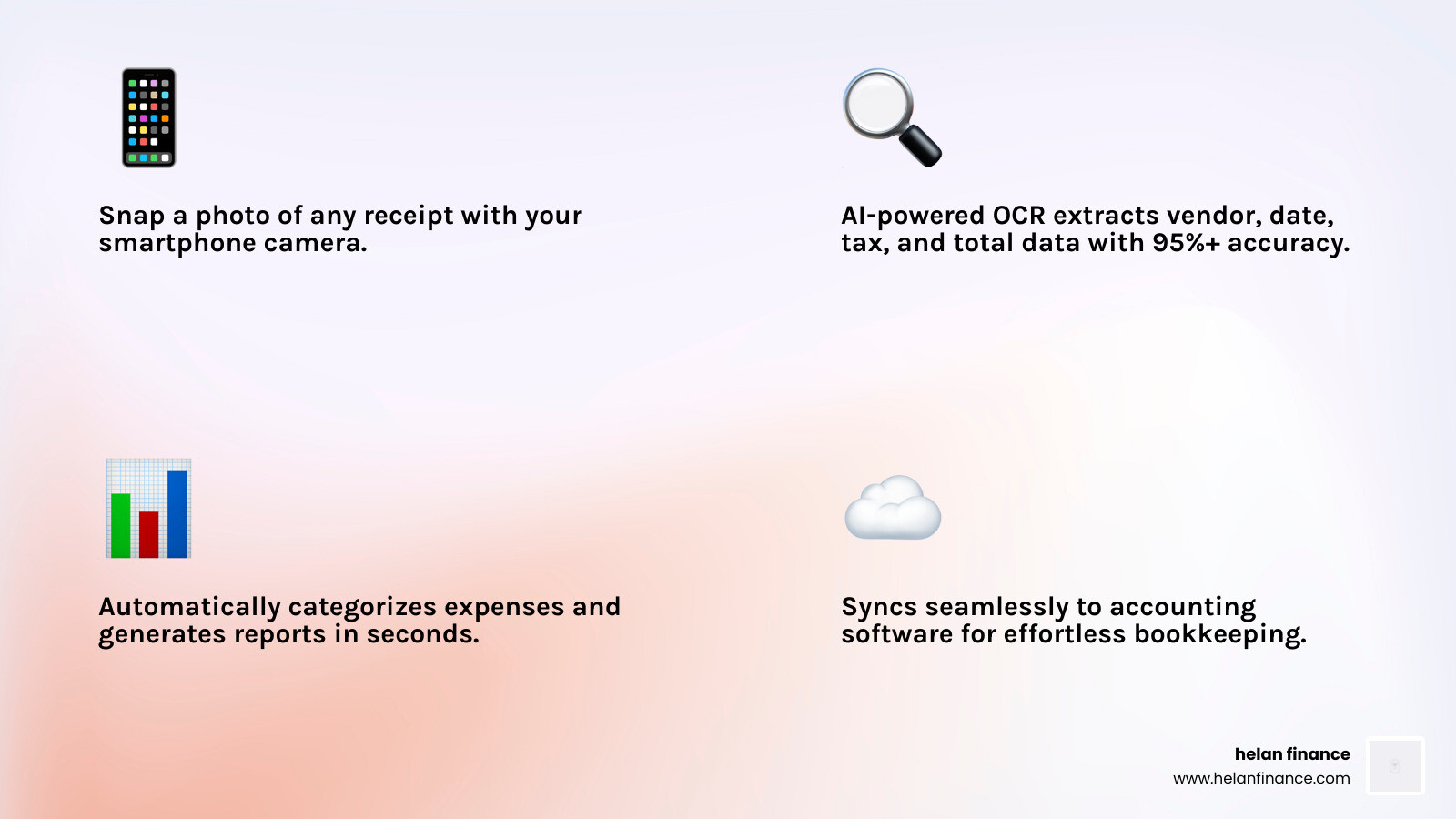
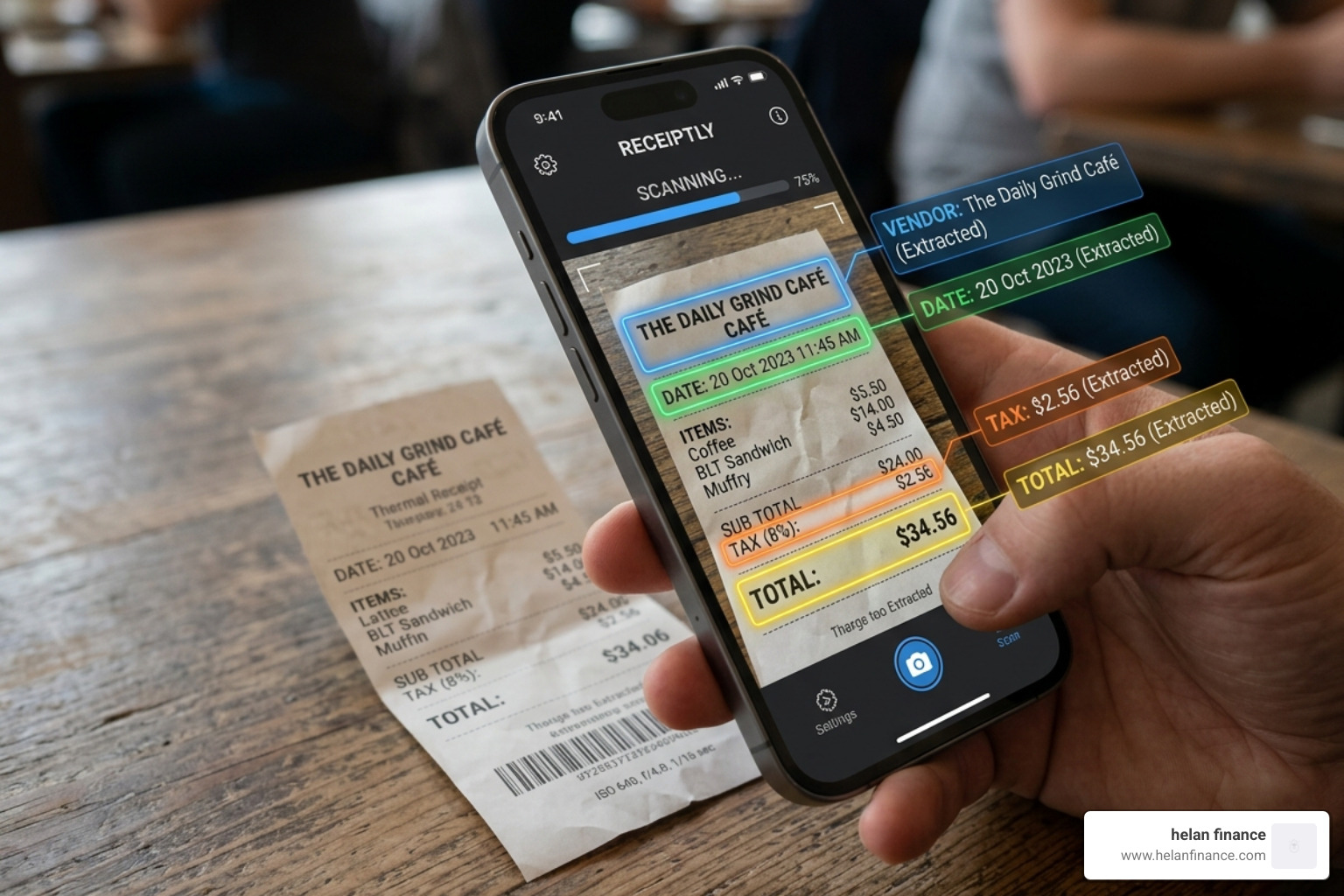
Today’s best tools use **AI-powered OCR** to pull vendor names, dates, taxes, and totals straight from a photo of a receipt — even if it’s wrinkled or torn. They sync to your accounting software, generate expense reports in seconds, and fit right in your pocket.
With over 15 million people already using digital scanning solutions, and top-rated apps earning a 4.9-star rating from thousands of reviews, it’s clear that the shift from shoebox to smartphone is well underway.
Whether you’re a freelancer tracking tax deductions or a finance team managing corporate cards across dozens of employees, there’s an app built for exactly your situation.
Essential Features of a Modern App for Expense Report Receipts
When we look for the perfect app for expense report receipts, we aren’t just looking for a camera tool. We are looking for a digital financial assistant. In 2026, the standard for “good” has shifted toward high-intelligence automation.
OCR Accuracy and AI-Powered Extraction
The heart of any scanning app is its OCR (Optical Character Recognition) technology. Best-in-class apps now boast accuracy rates of 95% or higher. This means the app doesn’t just “see” an image; it understands it. Modern AI can identify the vendor, date, subtotal, and even break down complex tax structures automatically. Even if you’ve shoved a receipt into your pocket and it looks like a piece of origami, advanced image enhancement can flatten the digital view to extract the data.
Smart Categorization and Tax Readiness
It isn’t enough to just store a receipt. To make life easier at tax time, an app should automatically categorize the expense. Whether it’s “Meals and Entertainment” or “Travel,” AI-driven tools learn your habits. For those seeking a more organized lifestyle, Helan Finance – Effortless Receipt Management emphasizes that consistent routines in document capture lead to significant tax savings—sometimes averaging over $2,000 a year in recovered deductions.
Global Capabilities and Syncing
If you travel for work, you need an app that handles automatic currency conversion using real-time exchange rates. Furthermore, cloud synchronization is non-negotiable. Your data should be accessible on your phone, tablet, and desktop instantly. Many top-tier apps also include mileage tracking via GPS, allowing you to log trips and set custom deduction rates (like the 2026 standard of $0.73 per mile) without lifting a finger.
Best Solutions for Small Business Expense Tracking
For small businesses, the goal is to eliminate the “pile of receipts on the desk” phenomenon. Integrated spend management platforms allow owners to see exactly where money is going in real-time.
Leading spend management platforms offer automated scanning technology. This allows employees to snap a photo and immediately submit the expense for approval. For businesses managing corporate cards, these apps can reduce reconciliation time by as much as 90%. Some platforms even offer an “auto-freeze” feature on corporate cards; if an employee doesn’t upload a receipt for a transaction, the card is temporarily paused until they comply. This ensures 100% compliance and keeps the books clean.
To learn more about how to scale these workflows, check out Helan Finance: Spend Management for Receipts & Expenses. Using these tools, companies have reported saving over 45 accounting hours per month by automating entries into major accounting platforms.
Best Solutions for Freelancers and Individuals
If you’re a “solopreneur,” your needs are different. You don’t need multi-level approvals; you need tax optimization. Specialized mobile organizers excel here. They offer:
- Gmail and Outlook Integration: Automatically pull digital receipts from your inbox so you never have to “search” for an invoice again.
- Store Return Reminders: Some apps track the return policy of the store on your receipt and nudge you before the window closes.
- Unlimited Cloud Storage: Your receipts are stored securely for years, ensuring you are always audit-ready.
- Simplified Categorization: Tools designed for individuals often use simple “Schedule C” categories, making the transition to tax software seamless.
Top-Rated Scanning Solutions for 2026
Choosing the right app for expense report receipts means weighing accuracy against cost and integration. Here is how the market categories stack up in 2026:
| Feature | Integrated Platforms | Dedicated Scanners | Bookkeeping-Linked Apps |
|---|---|---|---|
| OCR Accuracy | 98% (AI-Enhanced) | 95% (Standard OCR) | 96% (Integrated) |
| Best For | Growing Teams | Personal Budgeting | Existing Software Users |
| Top Strength | Policy Enforcement | Simplicity & Speed | Seamless Sync |
| User Rating | 4.6/5 | 4.6/5 | 4.5/5 |
Integrated financial platforms are becoming the norm for businesses because they combine receipt capture with bill pay, invoicing, and even travel booking. However, if you just want to track your coffee habit or monthly gas spend, a dedicated scanner (trusted by over 500,000 users) provides a faster, more streamlined experience without the corporate “bloat.”

Budgeting and Pricing Models for Small Businesses
We know that for many small businesses and freelancers, every dollar counts. You shouldn’t have to spend a fortune just to track your spending.
- Free Tiers: Many popular apps offer a “freemium” model. For example, several tools allow for basic scanning and storage at no cost. Some tools are free for individuals who just need to track their own costs.
- Subscription Models: Most professional features—like bank synchronization, unlimited OCR, and team approvals—fall under a subscription. These typically range from $5 to $19 per month.
- Under $50/Month Solutions: For a small team of five, you can easily find a robust solution for under $50/month. Small business suites offer receipt features for as low as $8/month, which is a steal considering the time saved.
- Cash-Back Offsets: Some platforms offer their own corporate cards with up to 2% cash back. For many businesses, the cash back earned on daily expenses actually covers the entire cost of the software subscription!
For a deeper dive into maximizing your investment, see the Helan Finance Pricing and ROI Guide.
Security Standards and Data Privacy
When we talk about financial data, security is the top priority. You are uploading images of your spending habits, bank details, and often your home address. You must ensure the app you choose follows “bank-level” security protocols.
In 2026, we look for these specific certifications:
- SOC2 Compliance: This ensures the company manages your data based on five “trust service principles”—security, availability, processing integrity, confidentiality, and privacy.
- PCI-DSS Level 1: This is the gold standard for handling credit card information.
- 256-Bit Encryption: This ensures that even if data is intercepted during the “sync” process, it remains unreadable.
- Two-Factor Authentication (2FA): Never use a financial app that doesn’t offer 2FA. It’s your first line of defense against unauthorized access.
Most reputable apps, such as those we’ve discussed, also provide secure cloud backups via services like Google Drive or proprietary encrypted servers. This means if you lose your phone, your financial life isn’t gone with it.
Frequently Asked Questions
What is the most accurate technology for scanning wrinkled receipts?
The most accurate technology currently is AI-driven OCR with image enhancement. Modern apps use automatic edge detection to crop out the background and then apply filters to increase contrast. This allows the AI to “read through” wrinkles and even some stains. Best-in-class apps now achieve over 95% accuracy on even the most “abused” paper receipts.
Can I export receipt data to my accounting software?
Yes! Most top apps offer direct API integrations with major accounting and ERP systems. If a direct integration isn’t available, you can almost always export your data as a CSV (Excel) or a searchable PDF report. This allows you to hand over a clean file to your accountant or upload it into your bookkeeping software in bulk.
Are standalone receipt scanners better than integrated platforms?
It depends on your workflow. Standalone scanners are often faster and simpler for individuals who just want to digitize paper. Integrated platforms are better for businesses because they automate the entire lifecycle of a dollar—from the moment the receipt is scanned to the moment the employee is reimbursed and the entry is logged in the general ledger.
Conclusion
Moving from a shoebox of paper to a smartphone-driven workflow is one of the easiest ways to improve your financial health in 2026. By choosing the right app for expense report receipts, you aren’t just saving paper; you are saving time, reducing stress, and ensuring you never miss a tax deduction again.
At Helan Finance, we believe that financial clarity starts with simple, repeatable routines. Whether you are a freelancer or a business owner, taking five seconds to scan a receipt today can save you five days of headache tomorrow.
Ready to simplify your financial life? Start your journey to better financial health and discover how easy planning can be when you have the right tools in your pocket.

