
Stop Guessing and Start Pressing: How to Build a Budget Calculation Sheet
Why a Budget Calculation Sheet Is the First Step to Financial Control
A budget calculation sheet is one of the simplest and most effective tools you can use to take control of your money. Whether you need a ready-made template or want to build your own, here are the most popular options to get started immediately:
Top budget calculation sheet options:
- Free Excel Budget Templates — pre-built, formula-ready spreadsheets from Microsoft
- Google Sheets Budget Template — free, shareable, auto-updating dashboard
- Consumer.gov Budget Worksheet — simple printable PDF from the Federal Trade Commission
- Vertex42 Yearly Budget Calculator — tracks budget vs. actual spending across all 12 months with visual graphs
- Smartsheet Excel Budget Templates — 15+ templates for personal, household, college, wedding, and business needs
Most people have a rough idea of what they earn. Far fewer know exactly where that money goes.
That gap — between what you think you spend and what you actually spend — is where financial stress lives. Rent, groceries, subscriptions, the odd car repair… it adds up fast, and without a clear picture, you’re always guessing.
A budget calculation sheet fixes that. It gives you one place to see your income, your expenses, and the difference between the two. No guesswork. No surprises at the end of the month.
The good news? You don’t need to be a spreadsheet expert or a financial planner. A basic template — even a one-page printable — is enough to start making smarter decisions today.
Core Components of an Effective Budget Calculation Sheet
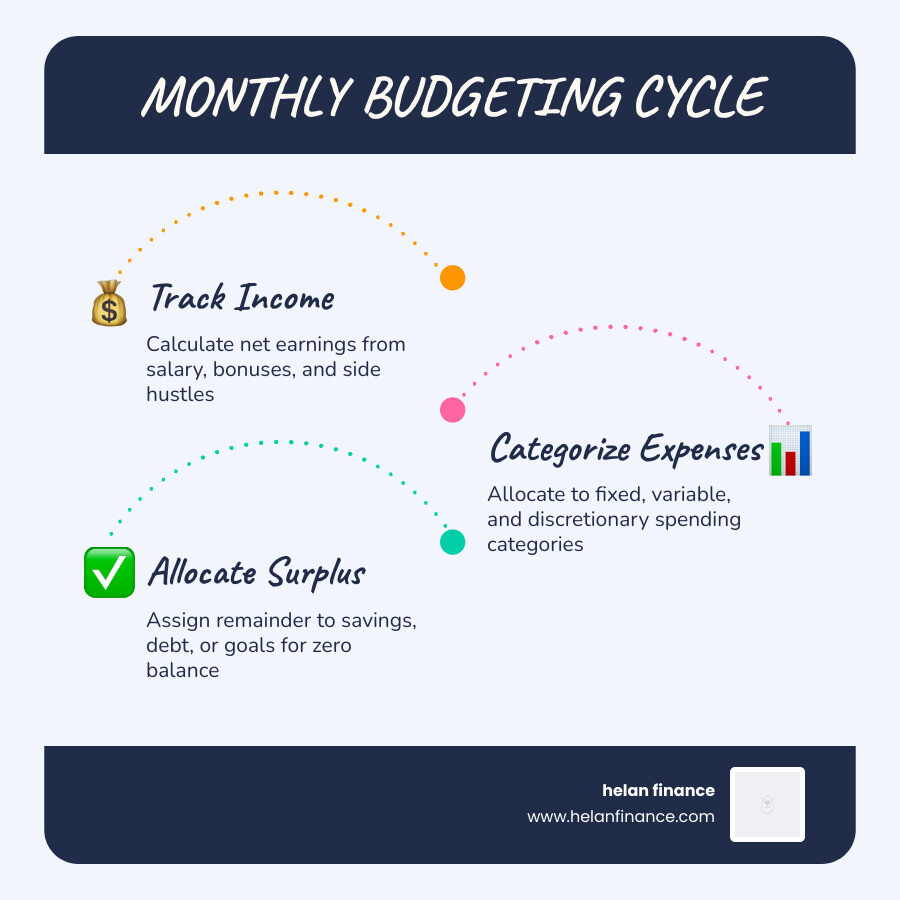
Building a budget calculation sheet isn’t about tracking every single penny to the point of exhaustion; it’s about creating a roadmap for your money. To make this roadmap work, we need to include specific “landmarks” that define your financial landscape.
A high-quality budget sheet should include these primary categories:
- Net Income: This is your actual take-home pay after taxes and deductions.
- Fixed Expenses: These are the non-negotiables that stay the same every month, like rent or mortgage payments.
- Variable Costs: Expenses that fluctuate, such as groceries or utility bills.
- Discretionary Spending: The “fun” stuff—dining out, hobbies, and entertainment.
- Debt Repayment: Minimum payments and extra contributions toward credit cards or loans.
- Savings Goals: Contributions to your emergency fund, retirement, or a specific purchase.
To see how these look in a professional format, you can explore these Free budget template spreadsheets to customize – Excel.

Accurately Calculating Your Monthly Income
The biggest mistake people make when starting a budget calculation sheet is using their gross salary (the big number on your contract). For a budget to be realistic in April 2026, you must use your after-tax income.
If you have a steady salary, this is easy—just look at your bank deposit. However, if you have irregular earnings from freelancing or a side hustle, we recommend averaging your income over the last 3 to 12 months to find a “safe” baseline. Don’t forget to include:
- Standard paychecks
- Bonuses or commissions
- Side hustle earnings
- Investment dividends or interest
Categorizing Expenses in Your Budget Calculation Sheet
Categorization is where the magic happens. By grouping your spending, you can see exactly which areas are “eating” your potential savings. We generally suggest starting with broad buckets:
- Housing: Rent/mortgage, property taxes, and insurance.
- Transportation: Car payments, gas, public transit, and maintenance.
- Food: Groceries and household supplies (keep dining out separate!).
- Utilities: Electricity, water, internet, and cell phone plans.
- Healthcare: Insurance premiums, co-pays, and prescriptions.
- Personal Care: Gym memberships, haircuts, and clothing.
For those who prefer a tactile approach, you can use this [PDF] Make a Budget – Consumer.gov to list these categories by hand.
Popular Budgeting Methods and Rules to Follow
Not everyone budgets the same way. Some people like to track every cent, while others prefer a “set it and forget it” percentage model. Here is how the two most popular methods stack up:
| Feature | 50/30/20 Rule | Zero-Based Budgeting |
|---|---|---|
| Complexity | Low – Good for beginners | High – Requires more tracking |
| Goal | General financial balance | Every dollar has a “job” |
| Flexibility | High | Low (Strict) |
| Ideal For | People who hate math | People who want total control |
Applying the 50/30/20 Rule to Your Budget Calculation Sheet
The 50/30/20 rule is a fantastic starting point for anyone feeling overwhelmed. It divides your after-tax income into three simple buckets:
- 50% for Needs: This covers your absolute essentials like housing, utilities, and basic groceries.
- 30% for Wants: This is your discretionary spending—Netflix, that fancy Ethiopian pour-over coffee, and hobbies.
- 20% for Savings and Debt: This goes toward your emergency fund, retirement, or paying down high-interest debt.
By using this percentage allocation in your budget calculation sheet, you ensure that your financial health is balanced without having to micromanage every single grocery receipt.
Implementing Zero-Based Budgeting Strategies
If you find yourself wondering where your money went at the end of the month, Zero-Based Budgeting (ZBB) is the answer. The core philosophy is that Income – Expenses = Zero.
Every single dollar of income is assigned a specific purpose. If you have $100 left over after all bills and “fun” spending are accounted for, you don’t just leave it in the account—you “assign” it to a savings goal or a debt payment. This level of financial discipline ensures that no money is “leaked” through mindless spending.
How to Create and Customize Your Budget Spreadsheet
While paper works, digital tools like Excel and Google Sheets offer automation that saves hours of time. You can use formulas to auto-sum your categories and create “Budget vs. Actual” comparisons that highlight overspending in bright red text.
If you want a head start, this budget calculator template – Google Sheets is an excellent foundation that you can save to your own Drive and customize.

Customizing Templates for Specific Life Events
One size rarely fits all in personal finance. Your budget calculation sheet should evolve based on your life stage:
- Household: Focuses on joint incomes, childcare, and mortgage management.
- College Students: Emphasizes tuition, books, and part-time income over a semester.
- Weddings: A project-based budget that tracks vendor deposits and floral costs.
- Business: Separates personal and professional expenses, tracking tax obligations and overhead.
Tracking Actual Spending vs. Budgeted Amounts
The “set it and forget it” phase is where most budgets fail. To succeed, you must perform a variance analysis. This is a fancy way of saying “compare what you planned to spend vs. what you actually spent.”
Many modern spreadsheets allow you to import bank CSV files directly. By pasting your transactions into an “Actuals” tab, you can see if you’re staying within your targets. If you planned $400 for groceries but spent $600, your sheet should alert you so you can adjust your “Wants” spending for the rest of the month. For more advanced tracking features, check out these Free Excel Budget Templates – Smartsheet.
Advanced Strategies for Long-Term Financial Success
Once you’ve mastered the monthly cycle, it’s time to look at the big picture. A budget calculation sheet isn’t just for paying bills; it’s a tool for wealth building.
Handling Irregular Expenses and Savings Goals
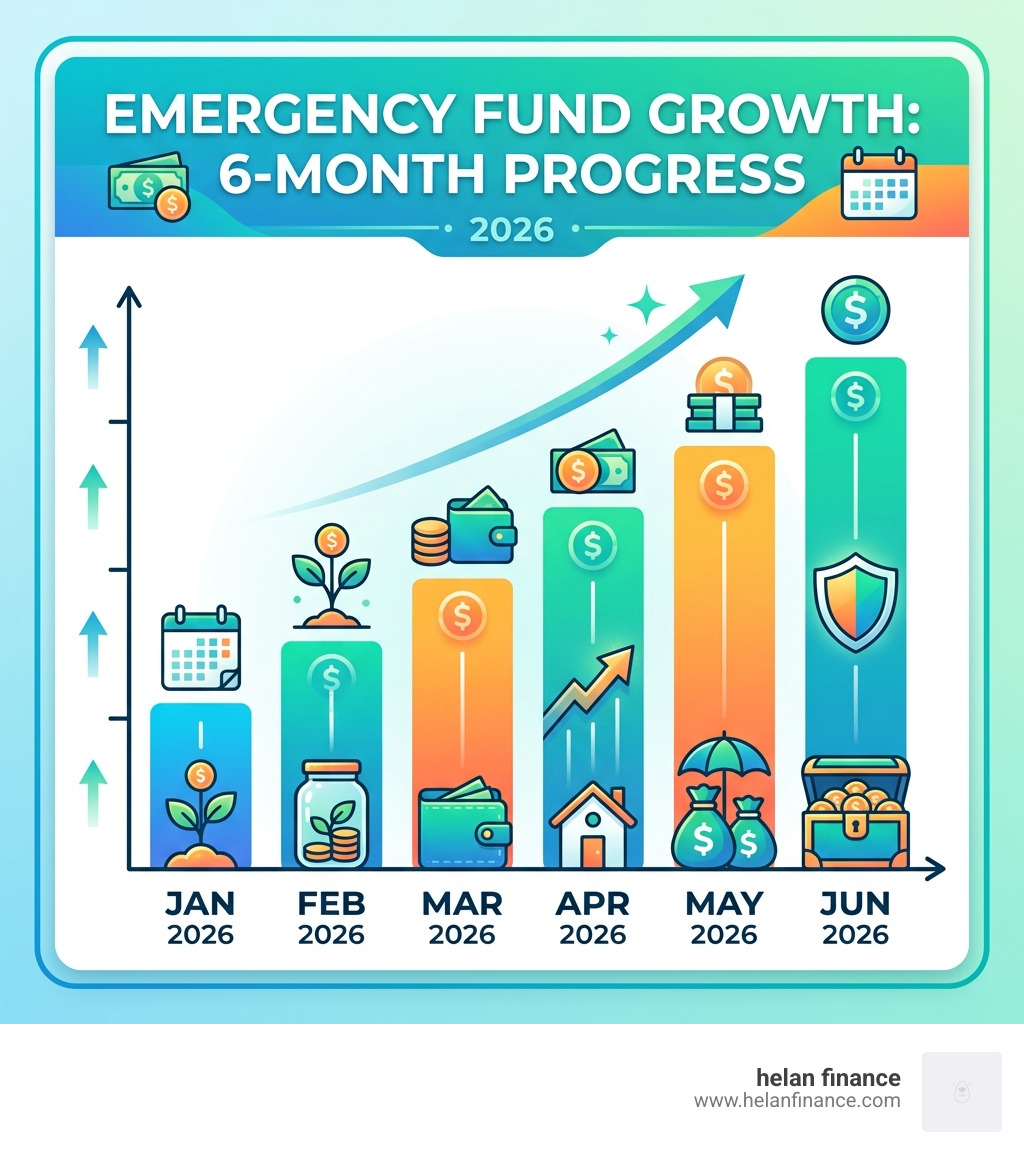
Nothing breaks a budget faster than an “unexpected” annual bill. But here’s the secret: most of these aren’t actually surprises. Car registration, holiday gifts, and annual insurance premiums happen every year.
We recommend using “Sinking Funds.” If you know you’ll spend $600 on Christmas gifts in December, budget $50 every month starting in January. By the time April 2026 rolls around, you’ll already have a portion saved, and the “surprise” expense won’t hurt your monthly cash flow.
Visualizing Data for Better Financial Decisions
Humans are visual creatures. Seeing a pie chart that shows 60% of your income going to “Housing” is much more impactful than just looking at a number.
- Pie Charts: Great for seeing category breakdowns (e.g., “Where does my money go?”).
- Bar Graphs: Perfect for comparing Income vs. Expenses over several months.
- Line Graphs: Ideal for tracking your net worth or savings growth over time.
These visuals provide the motivation needed to stick to the plan. When you see that “Savings” bar getting taller every month, you’re much more likely to skip the impulse purchase.
Frequently Asked Questions about Budget Calculation Sheets
What are the pros and cons of online calculators vs. printable worksheets?
Online/Digital Spreadsheets:
- Pros: Automated math, cloud accessibility, easy data visualization, and the ability to import bank data.
- Cons: Can have a learning curve; requires a device to update.
Printable Worksheets:
- Pros: High privacy, tactile “connection” to your money, and easy to use without any tech skills.
- Cons: No automation (you have to do the math yourself), easy to lose, and no “big picture” data trends.
How do I handle variable income in a monthly budget?
If your income changes every month, we suggest the “Income Floor” method. Base your budget on the lowest amount you’ve earned in the last six months. Any money earned above that floor is treated as a “bonus” and directed immediately toward savings or debt repayment. This ensures your “Needs” are always covered, even in a slow month.
How often should I update my budget calculation sheet?
We recommend a “Weekly Check-in.” Spend 10 minutes every Sunday reviewing your transactions. This prevents the “month-end mountain” of receipts and allows you to adjust your spending in real-time if you’ve had a heavy spending week. Then, do a deeper “Monthly Review” on the 1st of each month to set new targets.
Conclusion
Financial freedom doesn’t come from earning a million dollars; it comes from knowing exactly what to do with the dollars you have. A budget calculation sheet is the bridge between your current reality and your future goals.
By taking the time to categorize your expenses, choose a method like the 50/30/20 rule, and track your actual spending, you are removing the “guesswork” from your life. At Helan Finance, we believe that simplified planning is the key to a healthier, wealthier life. Stop guessing where your money went and start pressing toward your goals.
Start your financial journey today

